Unlock the World with Your Smart Visual Guide
Gemini Live's Enhanced Capabilities: Beyond Basic Interactions
Gemini Live has already demonstrated significant utility since integrating video and screen-sharing functionalities. These updates provided the AI with direct access to a phone's camera feed and screen, allowing it to answer queries about physical objects or digital content. The upcoming Guided Vision feature is set to further elevate Gemini Live's practical applications.
Introducing Guided Vision: A New Era of AI Assistance
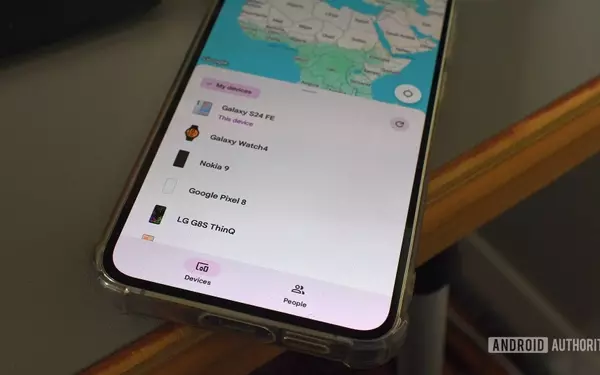
As part of Google's latest Android Drop, alongside other updates like Google Keep integration in Messages and improved Find Hub features, Guided Vision stands out. This development was previously noted during its in-house testing phase, indicating a planned and significant addition to the Gemini ecosystem.
Real-Time Environmental Descriptions and Assistance
With Guided Vision, Gemini Live will now articulate descriptions of what's directly in the user's view. For instance, if a user points their camera at a spice rack and asks for oregano, the AI can precisely guide them to its location, demonstrating a powerful new level of interactive assistance.
Versatile Applications for Everyday Scenarios
This functionality extends beyond simply locating household items. Imagine using Guided Vision in a dimly lit restaurant to effortlessly navigate a menu, or to decipher the fine print on a food product label. Its potential applications span a wide range of situations where visual clarity or identification is challenging.
Intuitive User Guidance and Accessibility Features
Google has incorporated intelligent feedback mechanisms to ensure optimal use. If the camera isn't positioned correctly, the system will provide voice prompts to help users reframe, pan, or center an object. This ensures an accurate and effective interaction experience. Guided Vision will be rolled out to phones running Android 9 and newer in regions where Gemini is available, with options to add it to Accessibility shortcuts and launch directly from the TalkBack menu, emphasizing its role in enhancing user accessibility.